From AI Assistant to AI Agent: How Businesses Can Automate Real Work
On October 8, 2026 Google announced its universal Gemini agent for work, while Microsoft keeps stressing human oversight. What separates an assistant from an agent, which tasks can your business delegate — and under what controls?
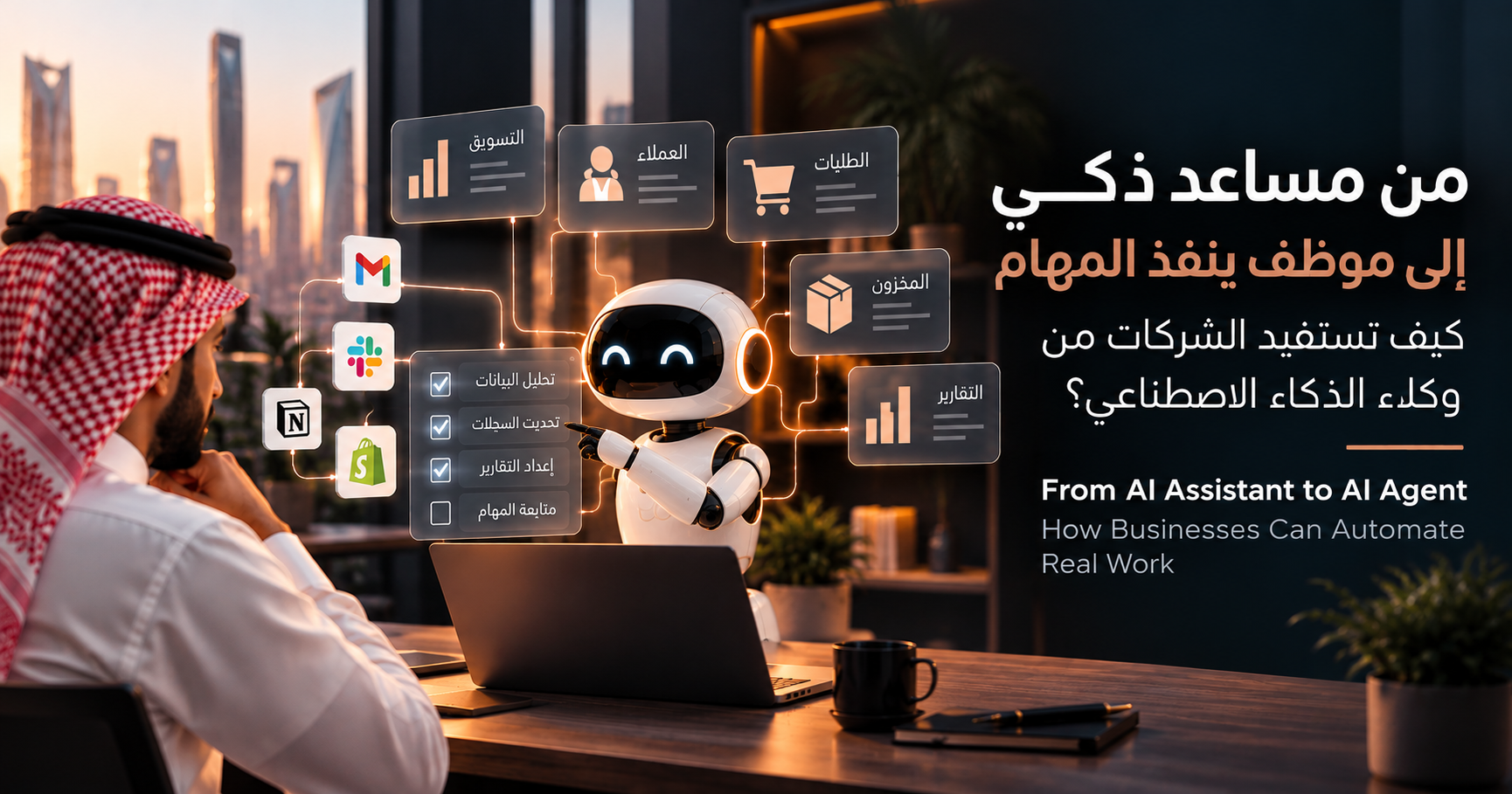
On October 8, 2026, Google Cloud announced at Gemini at Work 2026 the Gemini agent: a universal agent for work that plans tasks, uses tools and skills, connects to company systems, and returns finished work inside documents, inboxes, and developer environments. In parallel, Microsoft's official reports and guidance keep stressing the other side of the same coin: human approvals, permission-based access, and safety guardrails.
The message for businesses is singular: AI has moved from generating answers and content to executing defined business tasks. The question is no longer “should we use AI?” but “which task do we hand to an agent — and under what controls on data and decisions?” This article answers that question practically, keeping documented facts from Google's and Microsoft's official sources clearly separate from Rozanah's analysis and recommendations.
What Is the Difference Between an AI Assistant and an AI Agent?
An AI assistant answers questions and suggests actions: you type a query and it returns text, a draft, or a list of suggestions — then you do the execution. An AI agent can carry out a sequence of steps through connected tools — searching, gathering, comparing, updating records, preparing outputs — within permissions and constraints granted in advance. In Google's own words about the Gemini agent: you delegate an outcome, not detailed instructions, and it comes back with finished work.
| Aspect | AI assistant | AI agent |
|---|---|---|
| Main role | Answers or suggests | Can execute assigned steps |
| Tools | May operate independently of business systems | Can use connected tools when authorized |
| Decisions | Primarily supports the user | May act within defined rules and permissions |
| Oversight | Depends on the task | Requires controls appropriate to the risk |
One point is critical before continuing: an agent is not an autonomous employee capable of safely running any business process. Its ability to execute does not mean a license to act freely — everything in the rest of this article revolves around that rule: execution belongs to the agent, responsibility stays with the business.
What Business Tasks Can AI Agents Help With?
Here are realistic examples — each with the task, its potential benefit, and where human approval remains essential.
Marketing Reporting and Campaign Summaries
An agent gathers campaign figures from different platforms and drafts a periodic summary in language a decision-maker understands. The benefit: hours of manual aggregation saved every week. Human approval stays necessary for verifying figures before they are shared externally or before any budget decision is made.
Customer Inquiry Classification and Follow-up Preparation
An agent classifies incoming messages (inquiry, complaint, pricing request), summarizes each customer's context, and drafts a reply for the employee. The benefit: faster responses with nothing slipping through. Human approval stays mandatory before sending sensitive replies or anything involving complaints and compensation.
CRM Record Updates and Lead Qualification Support
An agent fills customer record fields from correspondence and forms, and ranks prospects against agreed criteria. The benefit: current records without manual entry. Human approval is still required for any change affecting a customer's classification or outbound commercial communication.
Document Processing and Contract Workflow Assistance
An agent extracts clauses, dates, and amounts from contracts and invoices, and flags gaps and upcoming deadlines. The benefit: less time lost reading long documents. Human approval — and legal counsel where appropriate — stays mandatory before any contractual or financial commitment.
E-commerce Order and Inventory Workflow Support
An agent monitors stock levels, prepares draft replenishment orders and alerts, and summarizes pending orders. The benefit: early warning before key items run out. Human approval stays mandatory for purchases, payments, and price changes.
Internal Reporting and Administrative Tasks
An agent prepares periodic schedules, meeting minutes, and follow-ups on pending tasks. The benefit: repetitive paperwork disappears. Human approval is still required for every output that carries an administrative decision or commitment.
How Should a Business Choose Its First AI-Agent Use Case?
Don't start with company-wide automation. Start with a single workflow meeting these conditions:
- Repetition and time: a task that recurs often and consumes meaningful team time.
- Task clarity: known steps and rule-based decisions — not vague judgment calls.
- Data availability and quality: the required data exists, is accurate, and is current.
- Cost of mistakes: errors are detectable and fixable without serious harm.
- Measurability: success or failure can be known in numbers.
- Human reviewability: a person can review the result before it counts.
The golden rule: start with one limited, low-risk workflow, prove value there, then expand. A company attempting to automate everything at once ends up with nothing working reliably.
What Data and Permissions Does an AI Agent Need?
An agent needs exactly two things to do its job — nothing more:
- The business data relevant to the task: not the entire database, only what the task actually requires.
- Access to only the systems the task needs: the CRM, email, or store — and nothing else.
- Role-based permissions: each agent operates with the permissions of the role it serves, not an administrator's.
- Clear limits on what it may change: read-only, drafts, or defined updates — written down and technically enforced.
- Logging and traceability: every action recorded with who ran it, when, and why, so it can be reviewed.
- Privacy and data-retention requirements: compliance with applicable regulations and company policy on customer data.
- Human approval for high-impact actions: any financial, legal, or deeply customer-affecting step needs a person's sign-off.
Where Should Human Approval Remain Mandatory?
No matter how far the technology advances, a category of actions must never be delegated to an agent without a person's approval:
- Sending sensitive or legally significant communications.
- Making payments or issuing refunds.
- Changing contractual or financial records.
- Deleting important data.
- Making consequential customer or employee decisions.
The dividing line is simple: low-risk, reversible actions may be automated with periodic monitoring; high-impact or hard-to-reverse actions require explicit human approval. This is precisely what Microsoft officially recommends for AI agents: keeping a human in the loop wherever an agent executes consequential actions, and requiring human approval for actions that are hard to reverse or that affect people, money, or compliance — a principle its own engineering teams apply in practice: autonomous reads, approval-gated writes, blocked deletes.
A Practical 7-Step Implementation Checklist
- Select one clearly defined workflow — focus makes measurement and control possible.
- Document how the workflow currently works, step by step — you cannot improve what you haven't understood.
- Establish a measurable baseline (time, errors, cost) — for fair comparison later.
- Verify the required data and integrations, and their quality — a good agent on bad data produces fast mistakes.
- Define permissions and prohibited actions in writing — before granting any real access.
- Test with limited access and full human review — to catch errors early at minimal cost.
- Compare results, errors, time saved, and operating cost before expanding — expansion is an evidence-based decision, not an impression.
Common Mistakes to Avoid
- Automating a poorly defined process: automation amplifies chaos; it doesn't fix it.
- Granting excessive system permissions: every extra permission is a deferred security risk.
- Connecting inaccurate or inconsistent data: agents trust data more than they should.
- Measuring activity instead of business outcomes: tasks executed are not commercial value by themselves.
- Removing human review too early: trust is built on evidence over time, not initial enthusiasm.
- Assuming a successful demo proves production readiness: demo environments are controlled; reality is full of exceptions.
How Should Businesses Measure Success?
Measure commercial outcomes, not agent motion. The practical indicators:
| Indicator | What it measures? |
|---|---|
| Time required per task | Is the workflow genuinely faster? |
| Error and rework rate | Has the need for correction fallen? |
| Cost per completed workflow | Full operating cost including human review |
| Completion rate | Share of tasks finished without stalling |
| Escalation rate | How often did the agent need a human? |
| Customer or employee impact | Satisfaction, trust, and experience quality |
| Verified business value | Documented revenue or savings — not mere activity |
And there are no ready-made improvement percentages that apply to everyone: always compare against the baseline you recorded before automation, and beware of presenting a vendor's marketing figures as promises for your company.
What This Means for Small and Medium-Sized Businesses
The good news: you don't need to automate everything or build a complex AI platform. A small company that picks one valuable, measurable workflow and implements it safely gains more than a large one scattering effort across ten parallel initiatives.
Google's October 2026 SMB announcement notes that this segment's usage of Google Cloud's AI tools grew more than fivefold year over year — Google's figures in their context, not a promise of similar results — and that the agent connects to popular tools these businesses use. The practical message: start from one painful, measurable task, implement it safely, then decide on expansion based on your own numbers.
Conclusion
The full methodology in seven words:
AI agents can help execute work, but the business remains responsible for the quality of its processes, data, permissions, and decisions. Those who get these four right benefit from agents safely; those who neglect them buy risk at higher speed.
Have a Repetitive Task Consuming Your Team's Time?
Rozanah helps you assess automation opportunities and the right digital solutions for your operations — from identifying the task and measuring its feasibility to choosing the right solution.
Discuss your automation needs with Rozanah — we start from one measurable task and build on it with confidence.
Sources
- Google Cloud Blog: Gemini at Work 2026, introducing the Gemini agent (October 8, 2026)
- Google Blog: introducing the universal Gemini agent for work (October 8, 2026)
- Google Cloud Blog: growing SMBs with Gemini (October 8, 2026)
- Microsoft: 2026 Responsible AI Transparency Report
- Microsoft Learn: applying responsible AI for AI agents
- Microsoft engineering blog: Azure SRE Agent safety — autonomous reads, approved writes (August 2026)
- Press coverage: Microsoft president's call for stricter AI safety rules (October 12, 2026) — news report, not an official source
- Press coverage: Microsoft CEO's call for an AI “emergency brake” and human oversight (October 11, 2026) — news report, not an official source
The facts above come from Google's and Microsoft's official sources where stated; the final two press items are news reports about Microsoft leaders' remarks, not official documents. The selection frameworks, implementation steps, measurements, and recommendations are Rozanah's analysis from working with businesses — not official statements from Google or Microsoft.